Using Web Workers to Process 20,000+ OHLC Ticks per Second Without Freezing the UI
Bài này có bản tiếng Việt. Đọc bản tiếng Việt →

Nguyen Hai Trinh • Senior Software Engineer @ SmileViet
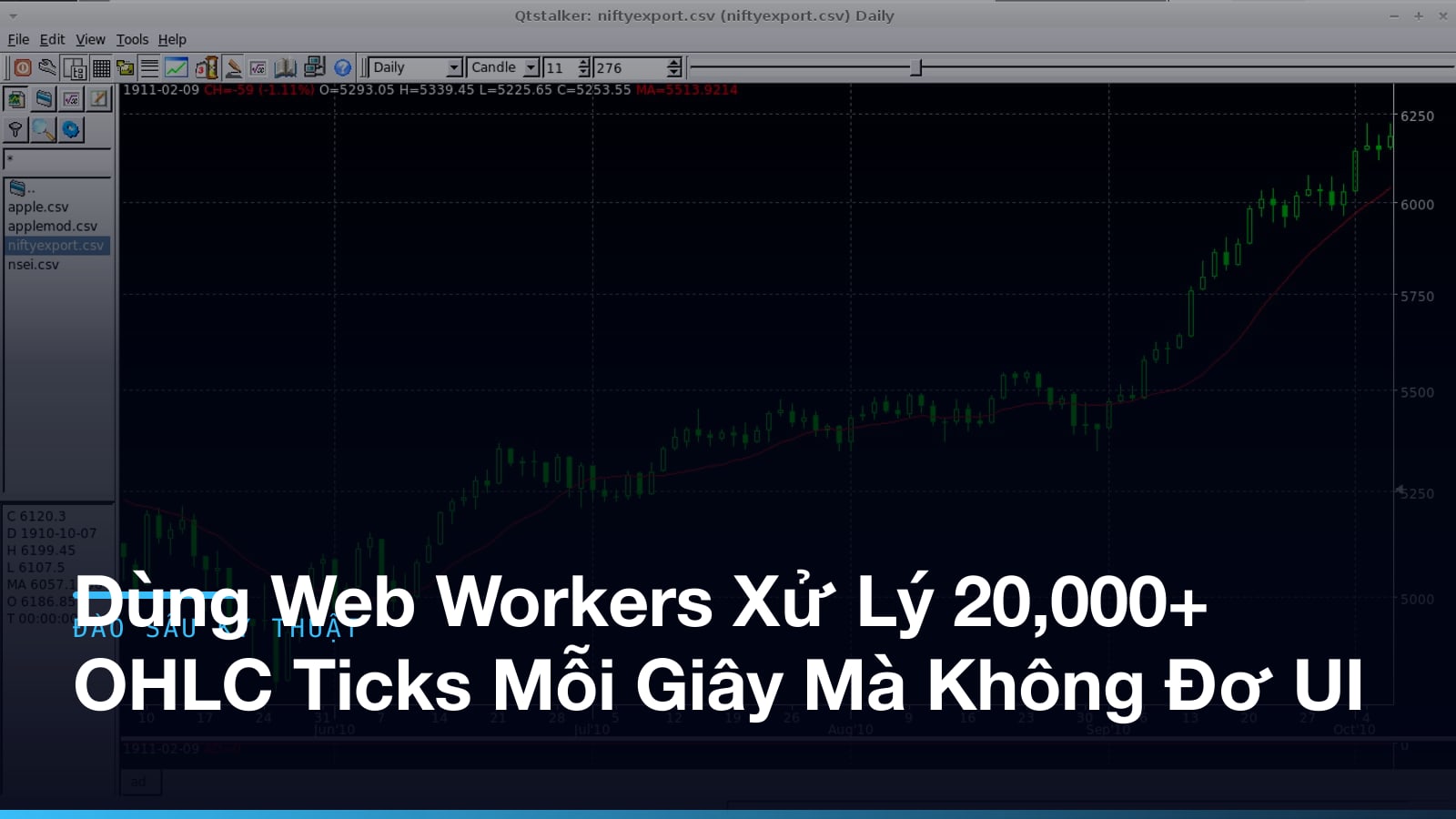
When I was at Bolt Technologies, I owned the main trading screen of MXV, a commodity derivatives platform. OHLC data came in over WebSocket, more than 20,000 ticks per second at peak. The UI still had to stay smooth.
The main thread couldn’t take it
At first the pipeline was very “naive”: the socket receives a tick, parse the JSON, aggregate into candles on 1m, 5m and 1h timeframes, compute indicators (EMA, RSI, MACD), then call setState to re-render the chart. All on the main thread. Clean on paper.
flowchart LR
  subgraph MT["Main thread"]
    A["Socket receives tick"] --> B["Parse JSON"]
    B --> C["Aggregate into candles<br/>1m, 5m, 1h"]
    C --> D["Compute indicators<br/>EMA, RSI, MACD"]
    D --> E["setState"]
    E --> F["Re-render chart"]
  end
It shows up the moment traffic grows. Aggregating and computing indicators for dozens of symbols at once costs tens of milliseconds each time. Enough to clog the main thread. Dragging the chart lagged, clicking an order lagged. Worst of all, constant dropped frames. Nobody uses a real-time trading screen that stutters.
Moving the computation into a Web Worker
We moved all the heavy computation (aggregation, indicators) into a dedicated Web Worker. The main thread is left with rendering only: pushing already-computed data into TradingView’s canvas/WebGL.
// worker.ts
self.onmessage = (event: MessageEvent<TickBatch>) => {
  const { ticks, symbol } = event.data;

  const candles = aggregateToCandles(ticks); // merge ticks into OHLC per timeframe
  const indicators = computeIndicators(candles); // EMA, RSI, MACD...

  // Transfer the ArrayBuffer via the transfer list to avoid copying the whole buffer
  const buffer = encodeToBuffer(candles, indicators);
  (self as unknown as Worker).postMessage({ symbol, buffer }, [buffer]);
};
What decides the speed here is transferable objects. With a plain postMessage, the browser has to clone the entire structured data between the two threads. At thousands of candles per second, the copy costs more than the computation. Encode the data into an ArrayBuffer and pass it through the transfer list, the second argument of postMessage, and ownership of the buffer moves straight to the other thread. No copy. Just a pointer handoff.
Double-buffering to prevent tearing
There’s a subtler problem. If the main thread is reading the buffer to render just as the worker overwrites it with new data, the chart tears: the top half is old data, the bottom half is new.
Double buffering fixes that. Two buffers: the main thread always reads from the stable buffer, and the worker writes into the staging buffer. When the worker finishes a complete batch it sends a signal, and the main thread swaps the roles of the two buffers by swapping pointers, with no data copy:
let stableBuffer: Float64Array;
let stagingBuffer: Float64Array;

function onWorkerMessage(newBuffer: ArrayBuffer) {
  // newBuffer is fully computed by the worker
  stagingBuffer = new Float64Array(newBuffer);
  // Swap: staging becomes stable, and the chart renders from it on the next frame
  [stableBuffer, stagingBuffer] = [stagingBuffer, stableBuffer];
  requestAnimationFrame(() => renderChart(stableBuffer));
}
The main thread never reads a half-written buffer. Rendering is always consistent, one complete snapshot at a time.
The two buffers trade roles every batch:
flowchart LR
  ST["Staging buffer<br/>the worker is writing"] --> SIG["Batch done: send signal"]
  SIG --> SW["Swap pointers"]
  SW --> RD["Main thread renders<br/>from the stable buffer"]
Batching: once every 16ms instead of per tick
Sending a message for every single tick, the postMessage overhead is far from small when you call it thousands of times a second. We collect ticks into a buffer over about 16ms, one frame, and send them as a batch. The number of messages drops sharply. Perceived latency barely changes, since 16ms is below what the human eye notices.
- No batching: 20,000 messages/second, so message-passing overhead overwhelms the actual computation.
- Batching per frame (~60 times/second): each batch holds ~300 ticks, the worker processes them once, and overhead drops by more than 300x.
Many symbols: one worker, or one worker per symbol?
Dozens of symbols are watched at once. Do you use one worker for all of them, or a separate worker per symbol?
We went with a fixed worker pool: 4-6 workers depending on the available CPU cores, read from navigator.hardwareConcurrency, with symbols distributed across workers round-robin. The reasons:
- Opening too many workers (one per symbol) causes startup overhead and context switching between OS threads.
- A single worker handling everything becomes the new bottleneck, and you can’t use multiple cores.
The balance point sits right there: use multiple cores without spawning too many threads.
Measuring again after the change
After applying the worker pool + transferable objects + double buffering:
- The main thread is almost completely free for input and rendering. Chart frame rate holds steady at 60fps even at peak hours.
- Latency from tick to display on the chart dropped from over 200ms (with stutter and dropped frames at times) to a steady under 30ms.
- Tearing is gone, even on the symbol with the highest trading volume.
A few takeaways
A Web Worker isn’t a magic wand. Send messages without batching, clone data instead of transferring it, and the message-passing overhead ends up worse than just processing on the main thread. Two principles remain: cut how often the threads talk to each other, and when they do, hand over ownership of the data instead of copying it. It’s not just trading either. Any real-time problem works this way.
Keep reading
Need a developer for a contract or freelance project?
I take on fullstack projects — Go backends, React/Next.js frontends, or both ends. Send a few lines about the scope and timeline and I'll reply within 48 hours.